Stacked Range BarStrategy
Detects two consecutive range bars closing in the same direction and enters automatically with market orders. Three stop types. Position pyramiding. Built-in guardrails.
What You Need
Quantower
Windows trading platform
License Key
Included with subscription
Data Feed
Real-time futures data
Range Bars
Any instrument & size
How It Works
Range Bars Stack Up
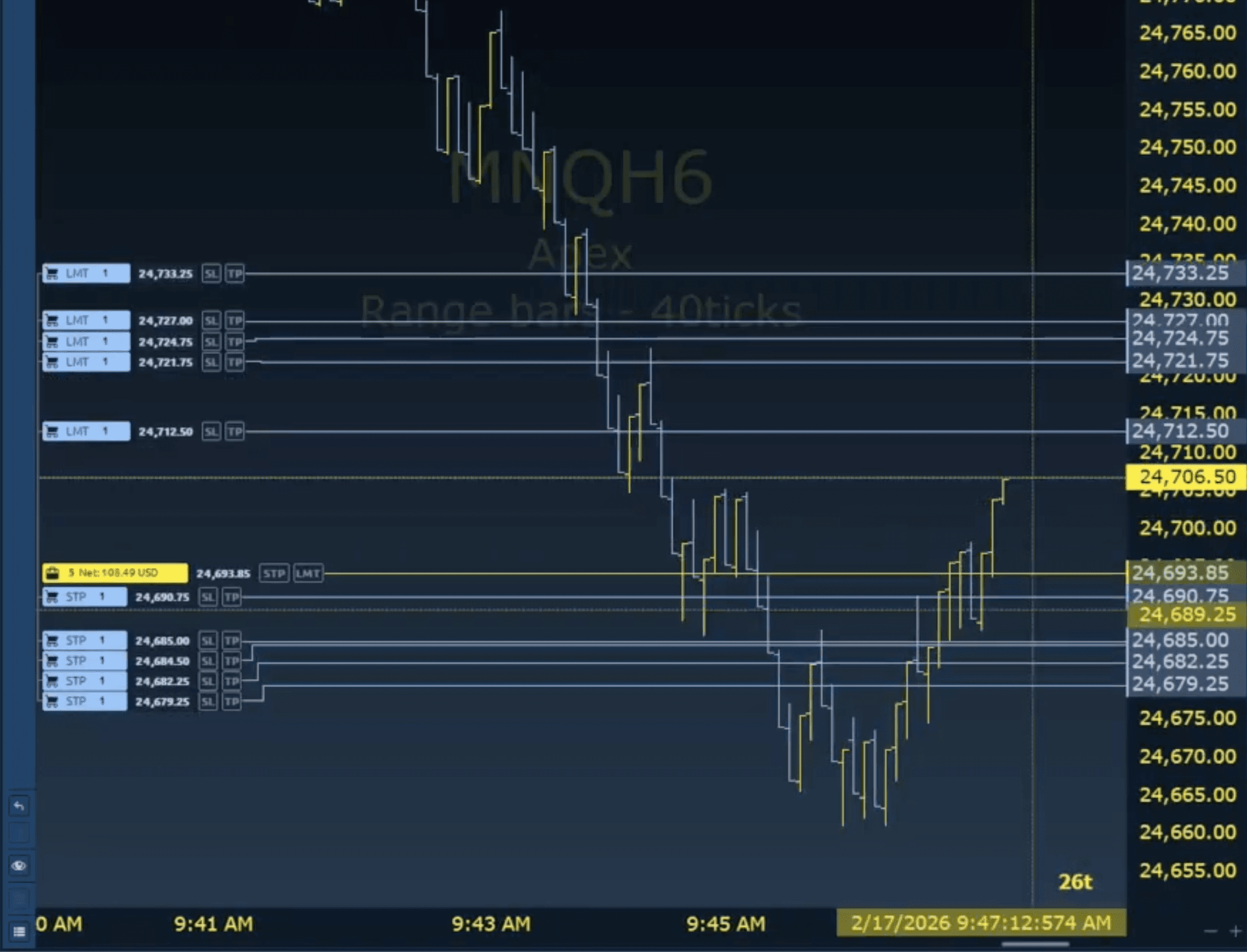
The strategy monitors your range bars in real-time. When two consecutive bars close in the same direction — both bullish or both bearish — that's the signal.
Market Order Fires
On the close of the second stacked bar, the strategy places a market order immediately. Take profit and stop loss bracket orders are attached to every entry — both set at a configurable tick distance.
Position Managed Until Close
Your stop type handles the rest. If signals keep firing in the same direction, the strategy can pyramid up to your position limit. Each position gets its own independent bracket orders.
Three Stop Types
Switch between them with a single setting. Each position gets its own stop — no shared exits.
Regular
A fixed stop placed at a set tick distance from entry. It never moves. Your risk is defined from the start and stays constant.
Trailing
Uses Quantower's native trailing stop. The stop follows price by a fixed distance — as the trade moves in your favor, the stop moves tick by tick.
██████████
A custom multi-phase stop algorithm built specifically for this strategy. Not available anywhere else.
The Third Stop — How It Works
Subscribers onlyPosition Management
Pyramid into momentum or keep it to one contract — you decide the aggression level.
Position Pyramiding
When signals keep firing in the same direction, the strategy adds positions up to your configured limit. Each position gets its own independent TP/SL bracket.
Direction Lock
While holding long positions, short entries are blocked — and vice versa. The strategy must fully exit before reversing direction. No accidental hedging.
You can also disable longs or shorts entirely via settings.
Built-in Guardrails
Protect your account with daily P&L limits that track both realized and unrealized P&L, auto-flatten when limits are hit, and automatic daily resets — enforced 24/7, even outside your trading window.
P&L Limits
Set a daily profit target and max loss. When either is hit, the strategy auto-flattens all positions and cancels pending orders immediately. Tracks combined realized + unrealized P&L so open position gains and losses count toward your limits.
Default values — fully configurable. Checked on every tick, 24/7.
Trading Window
Define when the strategy is allowed to enter trades. Outside the window, it sits idle. Supports overnight windows (e.g. 6 PM – 6 AM).
Default values — all times in Eastern Time
Automatic Daily Reset
Realized P&L, unrealized P&L, profit/loss flags, and fee accumulators reset automatically at 4:00 PM ET each day. The strategy is ready for the next session without any manual restart.
ADX Trend Filter
The Average Directional Index (ADX) measures trend strength on a 0–100 scale — not direction, just how strongly price is trending. Use it to pause entries when the market is overextended.
Two-Threshold Hysteresis
Instead of a single on/off level, the filter uses two thresholds to prevent flickering. ADX must cross the flatten threshold to pause, and drop below the entry threshold to resume — the gap in between lets active cycles play out undisturbed.
All positions flattened. New entries blocked.
Active stacking cycles continue freely. No new activation if previously blocked.
Entries enabled. Strategy operates normally.
Disabled by default. Enable it in the ADX Filter settings group. Existing setups are unaffected — the filter is entirely opt-in.
Every Setting at a Glance
24 parameters organized into logical groups. Sensible defaults included — adjust to fit your instrument and style.
Ready to Automate?
Get the Stacked Range Bar strategy with your TCT Premium subscription. Includes the strategy, license key, setup guide, and video walkthrough.